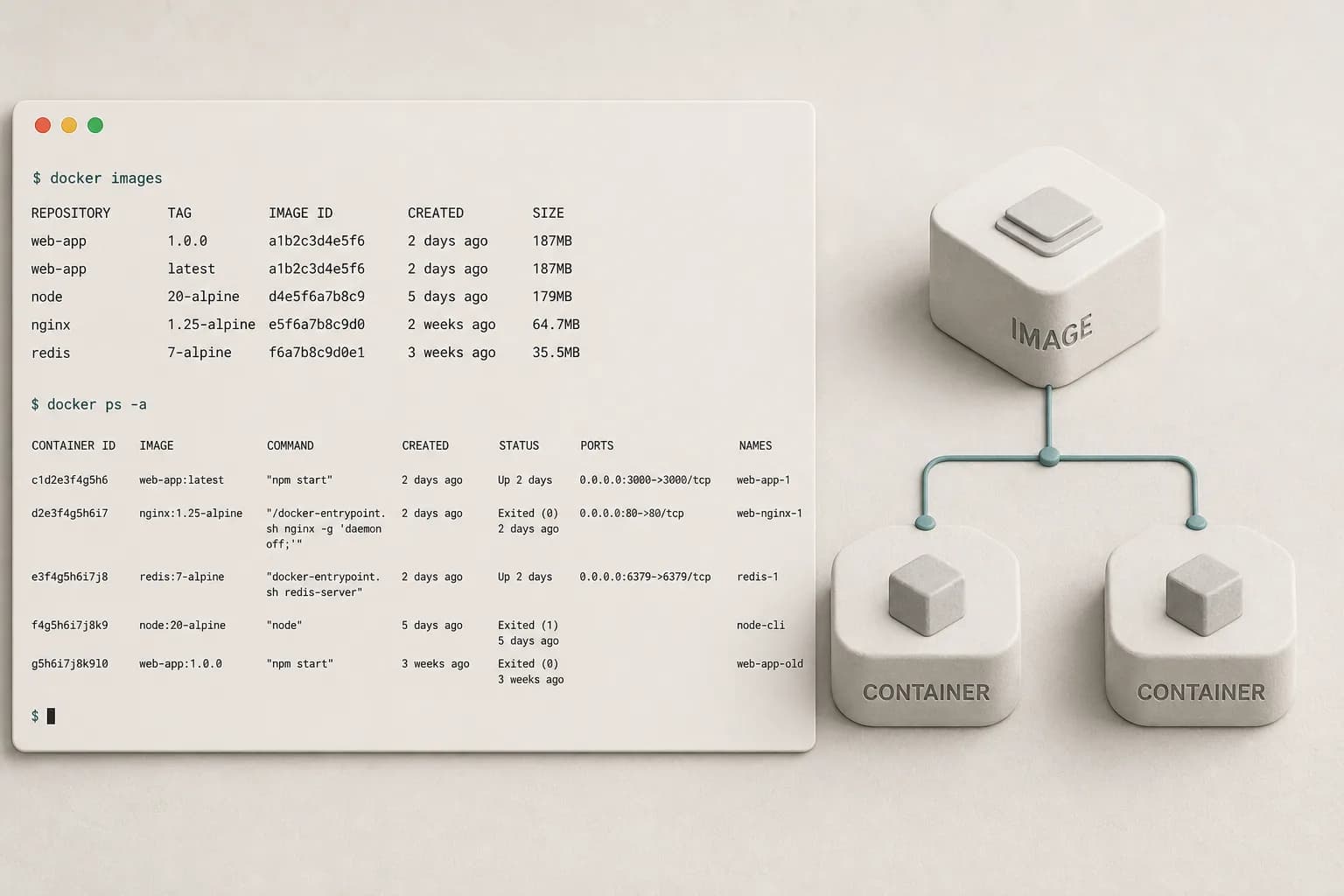
Images are immutable templates. Containers are running (or stopped) instances of those images. Most of your daily Docker work is pulling images, starting containers with the right flags, and cleaning up leftovers.
Search and pull
docker search ubuntu
docker pull ubuntu
docker images
Official images on Docker Hub are marked in search results. Prefer pinned tags (ubuntu:24.04) over latest in anything automated.
Run a one-shot smoke test
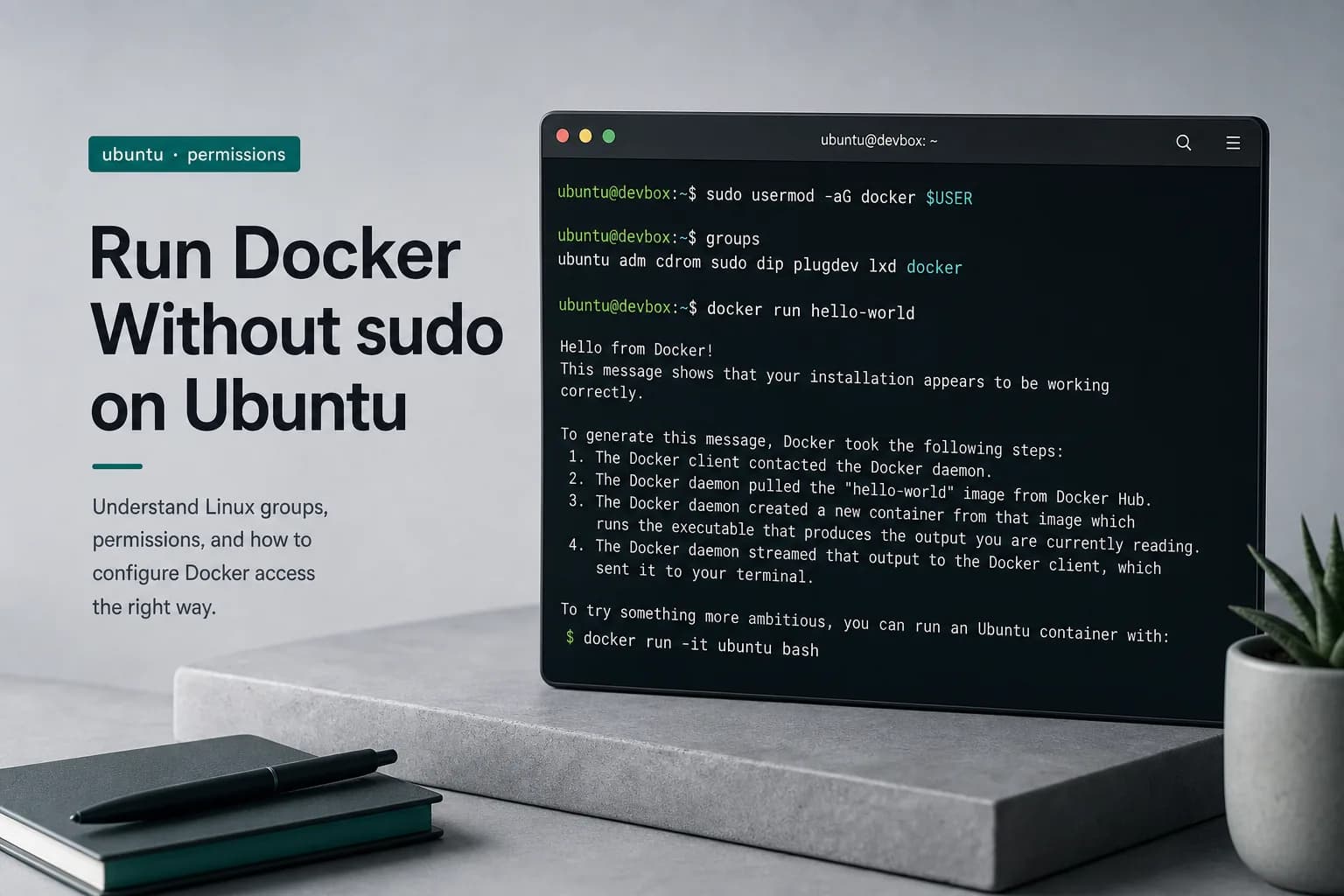
docker run --rm hello-world
--rm deletes the container filesystem when the process exits — ideal for tests.
Interactive shell in Ubuntu
docker run -it --name studio-ubuntu ubuntu bash
Inside the container you are usually root for that namespace:
apt update
apt install -y curl
exit
Changes live only in that container until you commit or rebuild from a Dockerfile.
List, start, stop, remove
docker ps
docker ps -a
docker start studio-ubuntu
docker stop studio-ubuntu
docker rm studio-ubuntu
Name containers with --name when you will restart them. Use --rm when you will not.
Inspect and logs
docker inspect studio-ubuntu
docker logs -f studio-ubuntu
docker exec -it studio-ubuntu bash
exec attaches to a running container; run creates a new one.
Cleanup habits
docker container prune
docker image prune
Prune carefully on machines that share caches with CI. For local studio work, pruning dangling images after failed builds keeps disks under control.
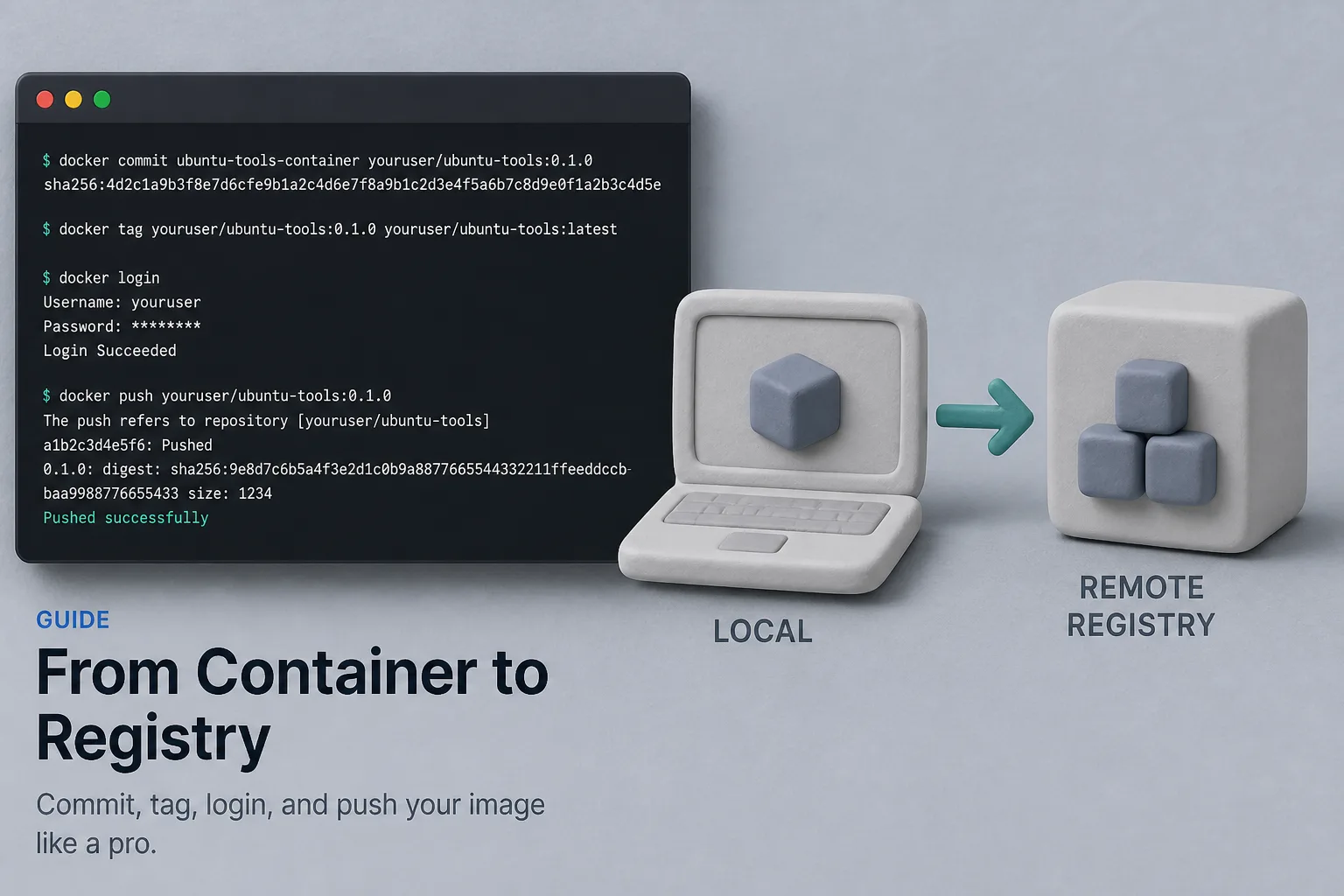
Next: commit a customized container to an image, or skip commit entirely and encode the setup in a Dockerfile for reproducible builds.